
Ambassador Community
The place your ambassadors actually log into
A branded portal where members find their referral link, discount code, open campaigns, available actions, rewards, and community — reached by magic link, with no password to reset.
Works on mobile. Ambassadors switch between brands they represent in one tap.
Programs die in the gap after approval
If a member has to email you to find their code, they will not post.
Nobody remembers a password
Every login wall is a place people drop out. An ambassador who cannot get in does not chase support, they just stop.
The link lives in an old email
If the referral link only ever arrived once, in a welcome message, it is gone. So are the campaigns you launched after it.
No visible progress, no motivation
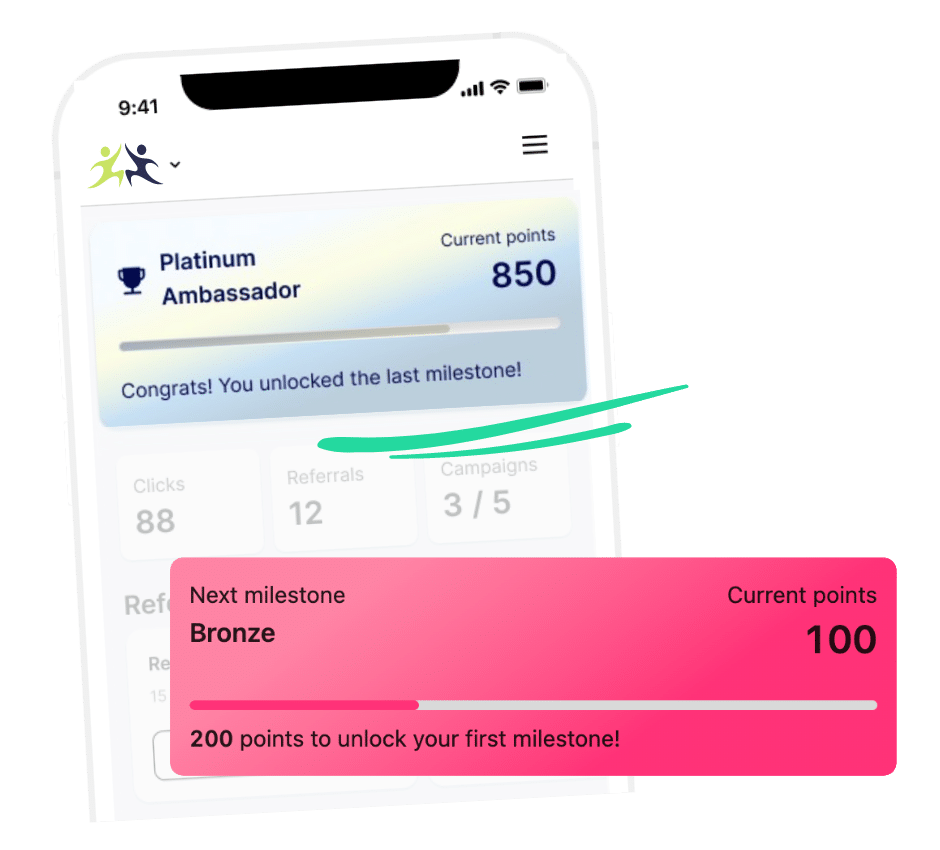
Without a running total of clicks, referrals, points, and rewards, there is nothing to come back and check.
What a member does here
Three things, all on the first screen.
Get in
Roster uses magic links. The member enters their email, clicks the link, and they are in — on whatever device they happen to be holding.
Grab what they need to share
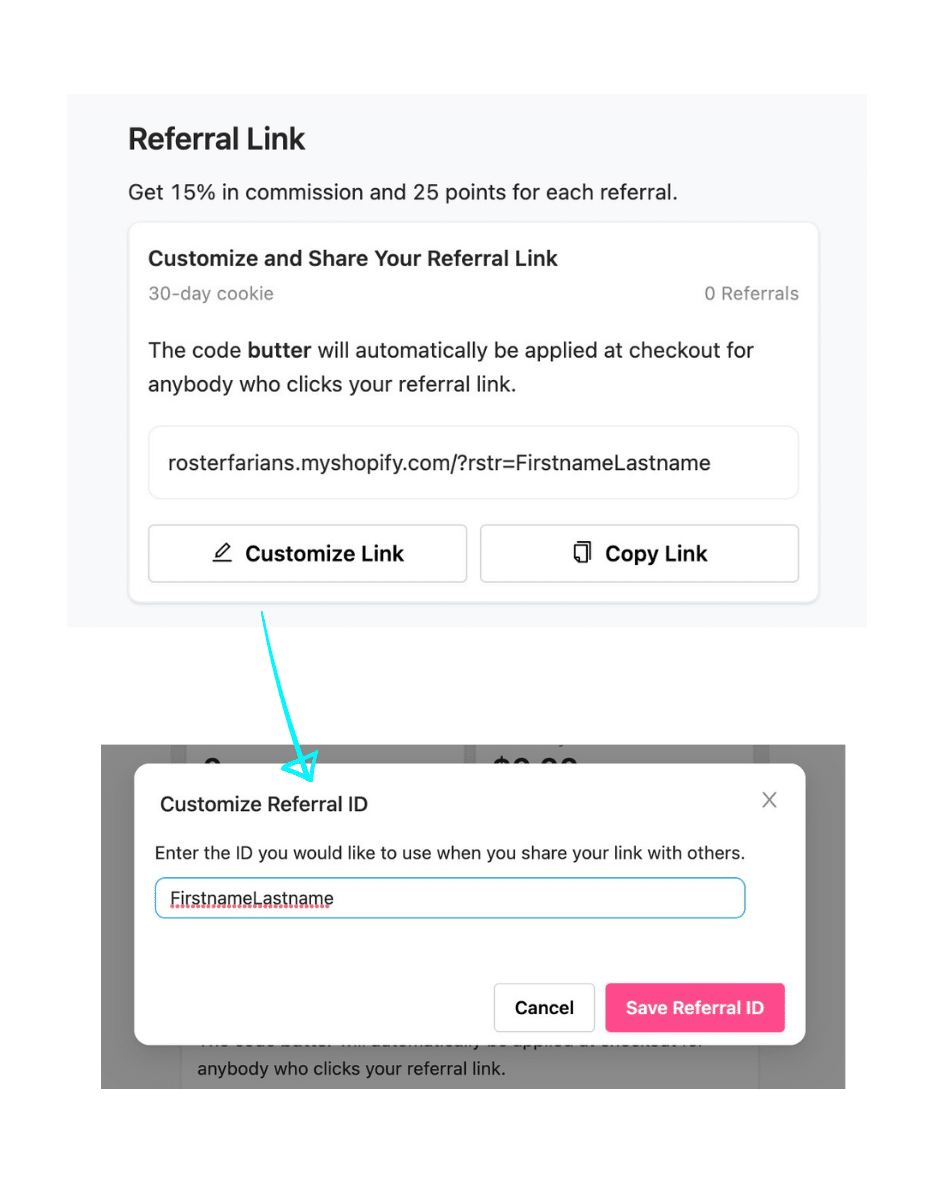
Referral link and shareable code sit at the top, with a copy button. Members can create their own link variants for a specific product or for each channel, then compare how Instagram performs against TikTok.
See what to do next
Available campaigns and actions, progress toward the next milestone, and rewards ready to redeem — so there is always an obvious next move.
What is in the portal
Onboarding
First login sets the whole thing up
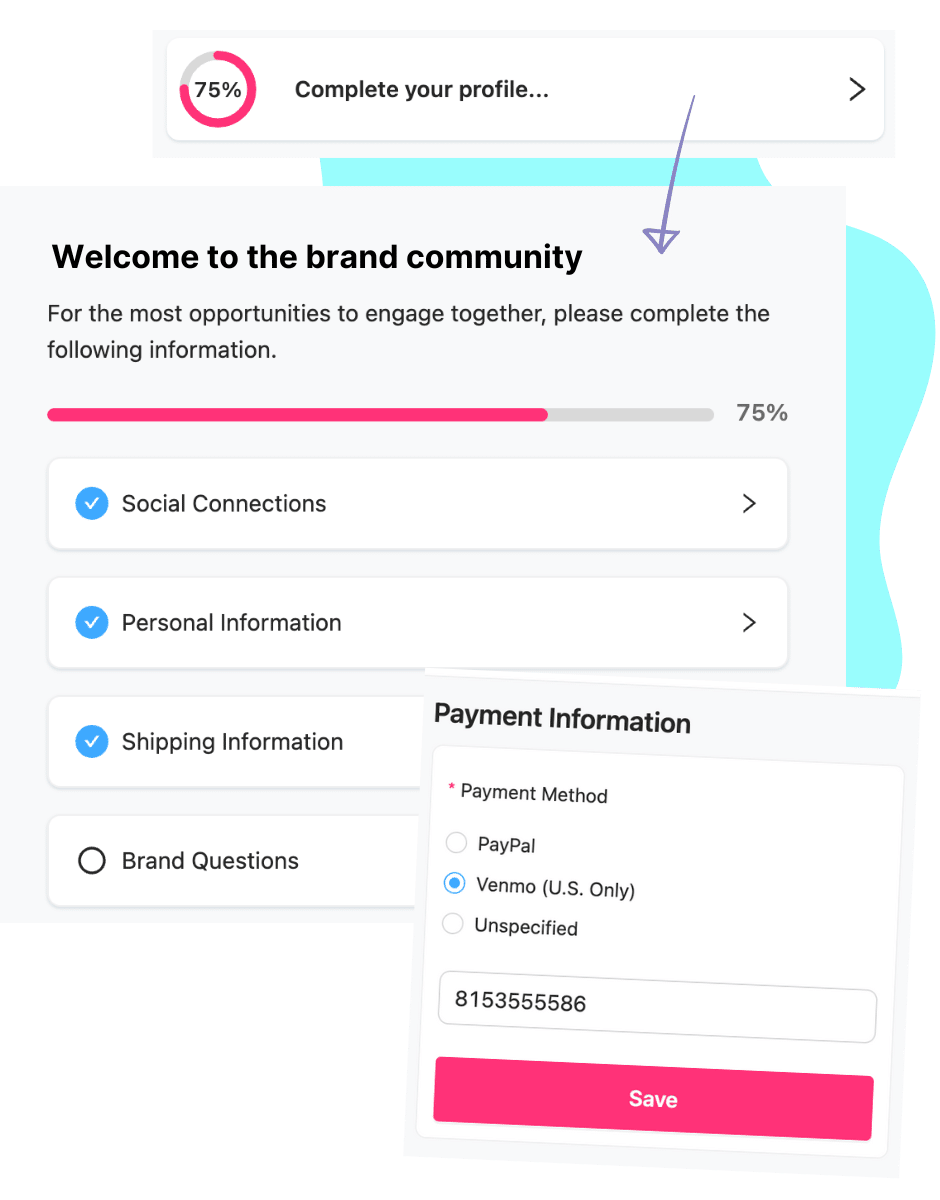
New members are prompted to complete their profile: connect Instagram, TikTok, or Facebook, add shipping details, and answer your brand-specific questions.
Those connections are what make social listening, earned media value, and campaign submission tracking work later — so the portal is doing real setup, not just collecting a bio.
Multi-brand
One login across every brand they represent
Creators rarely work with one brand. An ambassador who represents several Roster brands switches between them from the logo in the top corner, with one identity and one wallet.
For you that means less friction at signup and fewer support emails. For them it means your program is not the one that made things harder.
What they see on day one
The path from approval email to first post.
Acceptance email
Their perks and next steps, in your template and your voice.
Terms
Your brand terms and the privacy policy, accepted once.
Profile
Socials connected, shipping added, brand questions answered.
Dashboard
Link, code, campaigns, actions, and rewards, all visible immediately.
You can log in as any ambassador to see exactly what they see, in mobile or desktop view.
What powers the portal
Questions brands ask
Do ambassadors need a password?
No. Roster uses magic links sent to their email, which removes the most common reason people fail to log in.
Can we brand the portal?
Yes. Your logo and colors carry through the portal and the emails that point to it.
Can we see what an ambassador sees?
Yes. Open their profile, click the three-dot menu, and choose Log in. A preview opens showing their real account in mobile or desktop view.
Can ambassadors create their own links?
Yes. From the Referrals tab they can add link variants for a specific product, collection, or social channel, and each variant reports separately.
Is the portal available in other languages?
The application form and parts of the portal can be translated using the Weglot integration, configured per program.