
Recruitment form
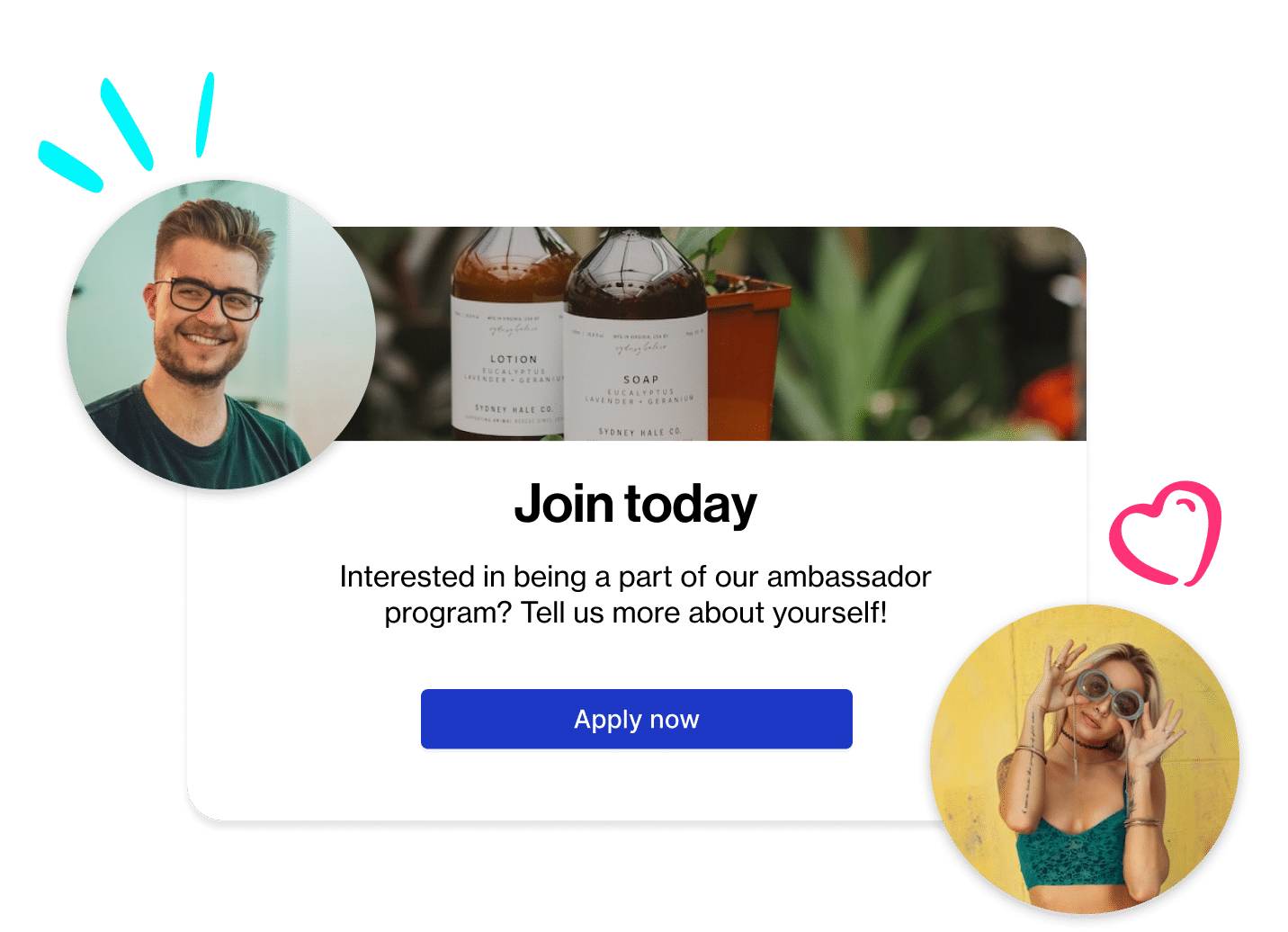
A recruitment form your best customers actually finish
Ask the questions that matter, review applicants at scale, and auto-enroll approvals into a welcome campaign — so new ambassadors start posting instead of waiting on your inbox.
Shopify, BigCommerce, WooCommerce, or any site where you can paste HTML.
Most programs stall at intake
Recruiting isn't the hard part. Handling what comes back is.
The form lives somewhere else
A Google Form or a third-party tool means a second brand experience, no validation against your program, and a CSV someone reconciles by hand.
Applications pile up unreviewed
Without filters, tags, or bulk actions, a few hundred applicants becomes a project nobody owns — and good creators go cold waiting.
Approval is the end, not the start
An accepted ambassador with no code, no link, and no first task never posts. Onboarding has to fire the moment you click approve.
How recruitment works in Roster
Three steps, configured per program.
Build the form
Every program gets its own application form. Set the branding, then choose your questions — Roster's standard fields plus any custom properties you've defined, like size, sport, territory, or where they shop. Custom properties become filterable contact fields the moment an application lands, so segmentation starts at intake rather than three months later.
Put it where people already are
Copy the embed code from Programs › Edit › Application Form, create a page on your store, and paste it in HTML view. No developer required. You can also add applicants through the Roster API, bulk-import an existing roster by CSV with column mapping, or nominate people directly from your contact list.
Review, approve, and hand off
Filter and search the applicant queue, open a profile to see their answers and social data, then approve, reject, or nominate — one at a time or in bulk. Approval triggers the program's acceptance email, a personal discount code if you've set one, and automatic enrollment into your welcome campaign.
What you get

Branded application forms
Your logo, colours, and copy. Embeds on any page of your store, or runs as a hosted link you can share in an email or bio.

The questions you actually need
Custom properties collect name, location, sizes, colour preferences, or anything else — then work as contact filters, campaign fields, and portal questions.

A queue built for volume
Search, filter, bulk approve or reject, and export applicant data. Nominate people who never applied and let them opt in.

Onboarding that fires on approval
Personalised approval and congratulation emails, referral link, personal discount code, and instant enrollment in a welcome campaign.

Per-program recruitment settings
Run ambassadors, athletes, creators, and affiliates side by side, each with its own form, approval flow, and email templates.

Multilingual forms
Connect Weglot at the program level and applicants see the form — and parts of the ambassador portal — in their own language.
Embedding
Live on your store in an afternoon
Create a page — most brands use /pages/ambassadors — switch to HTML view, paste the embed code, and switch back to add your intro copy and FAQs around it. The form renders inline and starts collecting submissions immediately.
Preview before you publish, check it at phone width, and apply your own CSS if your platform supports it. The steps are the same on Shopify, BigCommerce, WooCommerce, and most CMS platforms.

Selection
See who they are before you say yes
Every submission builds a rich contact profile: social handles for Instagram, TikTok, X, YouTube and Facebook with engagement metrics, alongside the demographic answers you asked for. Compare candidates at scale, auto-approve the segments you trust, and hand-pick the rest.
Tag as you go. Contact tags drive commission overrides, campaign invitations, and community channel access later on.
Sourcing
Recruit the people already posting about you
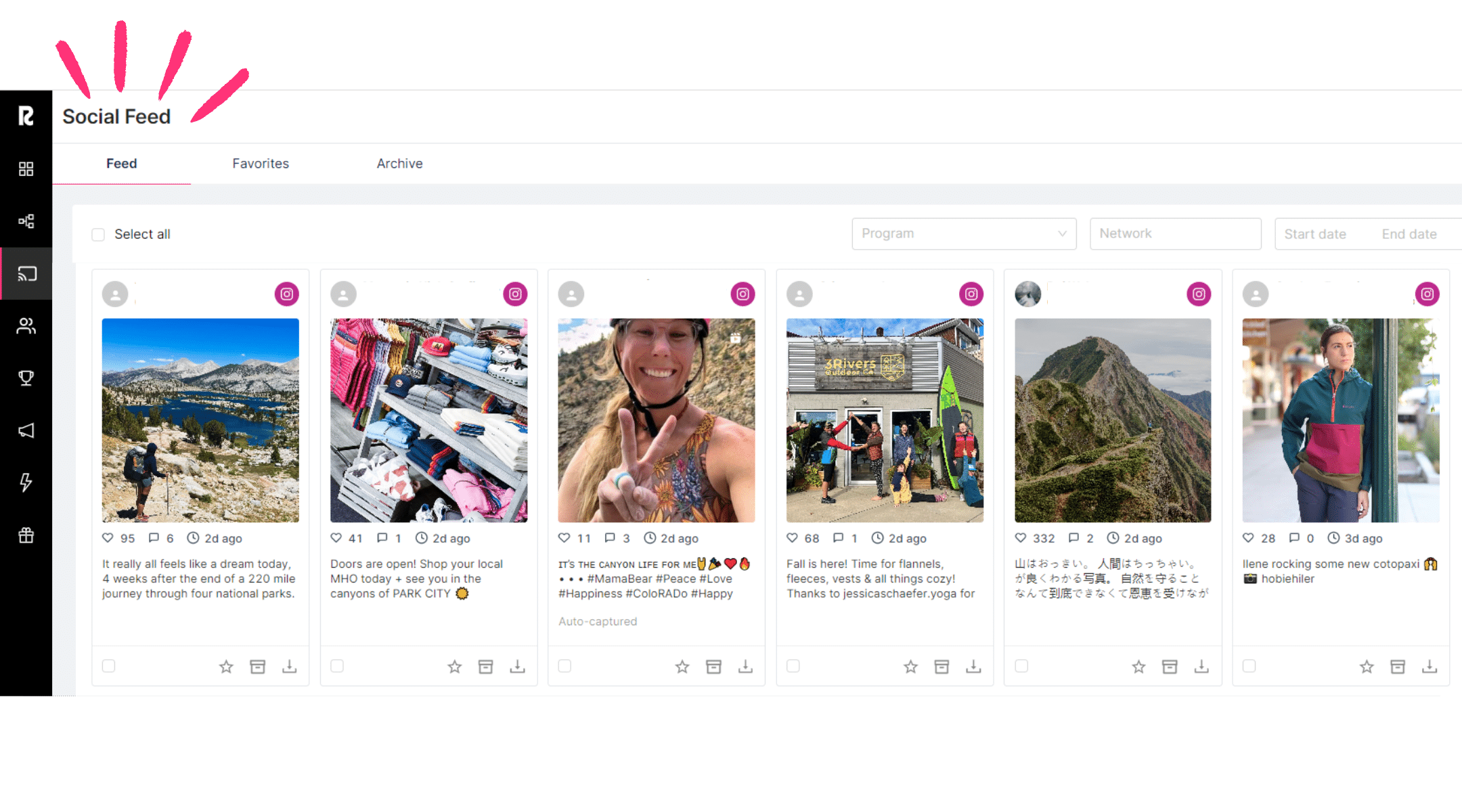
With Full Social Listening, Roster pulls in Instagram posts, Reels, and TikTok videos from public accounts that @mention your brand — including people who have never heard of your program. Filter the Social Feed by No Program to see organic mentions, then nominate the creators worth having.
Full Social Listening is a paid add-on. Standard Social Listening, included on every plan, covers contacts already in your account.
Attribution
Know which ad produced which ambassador
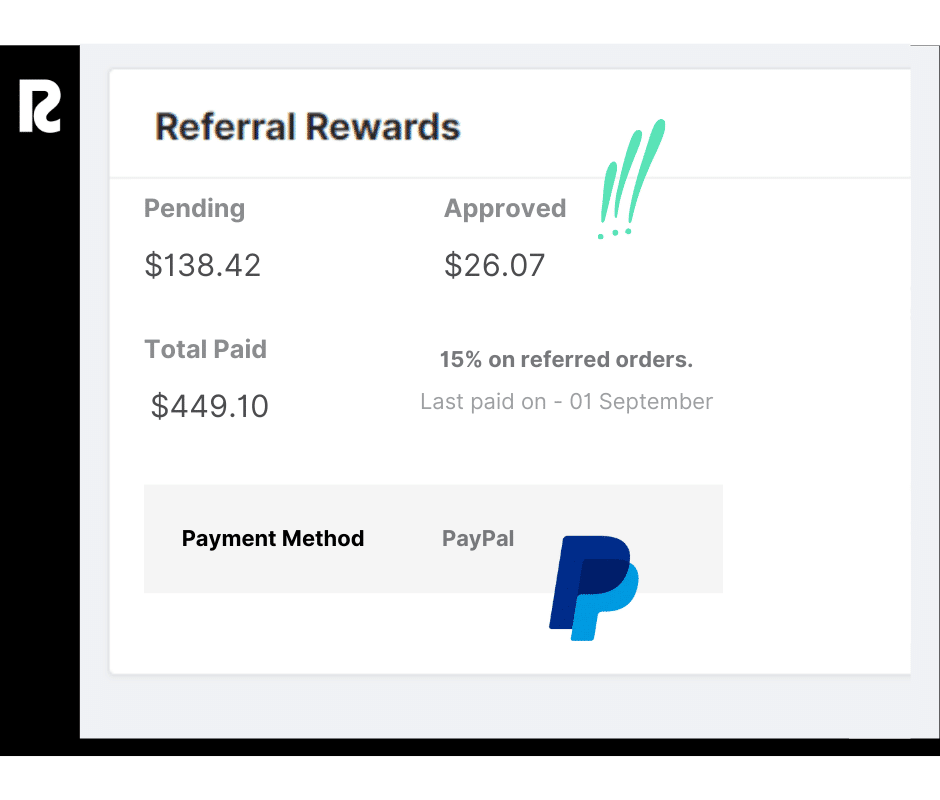
The embedded form emits events you can listen for on the parent page, so a submission can be passed straight to Meta, Google, or your analytics platform as a conversion. Pair that with brand-level UTM settings and you can trace recruitment spend from ad click to approved ambassador — and, later, to the revenue that ambassador refers.
What the applicant sees
From submit to first post, without a single password.
Approved
An acceptance email lands with their perks and next steps, sent from your program's template.
Profile
They accept your terms, connect Instagram, TikTok, or Facebook, and add shipping details.
Portal
Referral link, shareable code, open campaigns, and available actions — all on one screen.
First task
Your welcome campaign gives them something to do on day one instead of day thirty.
Ambassadors sign in with a magic link. Nothing to remember, nothing to reset.
Where recruitment fits
Questions brands ask
Do we need a developer to embed the form?
No. Create a page, switch to HTML view, paste the embed code, and publish. A developer is only needed if you want to pass form-submission events to an ad platform or analytics tool.
Can we recruit people who never applied?
Yes. Nominate them from your contact list and they receive an invitation to accept. You can also bulk-import an existing roster by CSV, or add applicants through the API.
Can one person be in more than one program?
No — an ambassador belongs to a single program at a time. Discounts, referral links, and milestones are all set at the program level, so overlapping membership would produce a contradictory experience. Move them between programs instead.
Can the form collect information specific to our brand?
Yes. Define custom properties once and use them in application forms, in campaigns, on the contact record, and as contact filters. Common examples are size, discipline, region, and how they found you.
Can applicants apply in another language?
Yes, through the Weglot integration configured in program settings. It covers the application form and parts of the ambassador portal.
What happens the moment we approve someone?
They receive your acceptance email, get their referral link and any personal discount code, and are enrolled in the program's welcome campaign automatically. You can also trigger downstream automations in Klaviyo or Zapier on application received and application approved.