
UGC
Customer content you are allowed to use
Run UGC campaigns with a written brief, clear requirements, and review before approval — then collect the assets, the performance data, and the usage rights in one place.
Briefs, examples, requirements, and approval, per campaign.
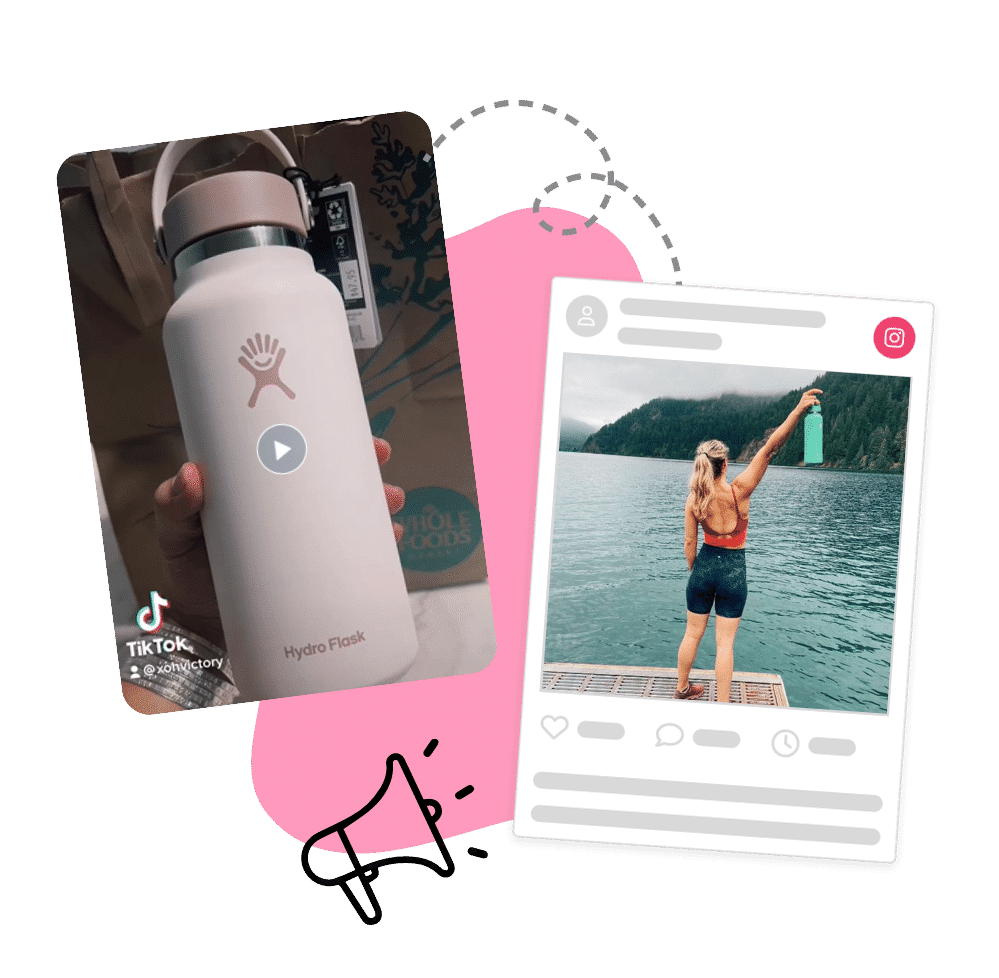
Most UGC programs produce unusable content
Wrong format, wrong message, and no clarity about whether you can run it as an ad.
Vague briefs, random output
“Post about us” produces content in nine aspect ratios with nothing in common. None of it fits a paid placement.
Rights are a handshake
If nobody wrote down what you can do with the asset, your paid team cannot touch it.
Assets scattered across DMs
Content that lives in an inbox is content nobody will find when the campaign brief is due.
How a UGC campaign runs
Five steps in the campaign builder, most of them reusable.
Write the brief
Campaign details, then the brief itself: what you want made, the stylistic guidelines, the requirements, and examples of content that hit the mark. Ambiguity here is what produces unusable output.
Set requirements and rewards
Specify the deliverable — Instagram post, TikTok video, story, or direct upload — and the reward. Points, discount codes, automated or manual product rewards, or something custom, on join or on completion.
Review and approve
Requirements can auto-approve or require manual review, and you can whitelist ambassadors by tag whose work has consistently been good. Approved content collects against the campaign and the member profile.
What you get
Volume
Product seeding is what fills the pipeline
Content campaigns work best when the member already has the product. Product seeding campaigns send it in exchange for content, and on Shopify the reward can auto-generate the order so nobody on your team is packing boxes off a spreadsheet.
Seed, brief, collect. That sequence is what turns UGC from an occasional windfall into a supply.
Beyond the roster
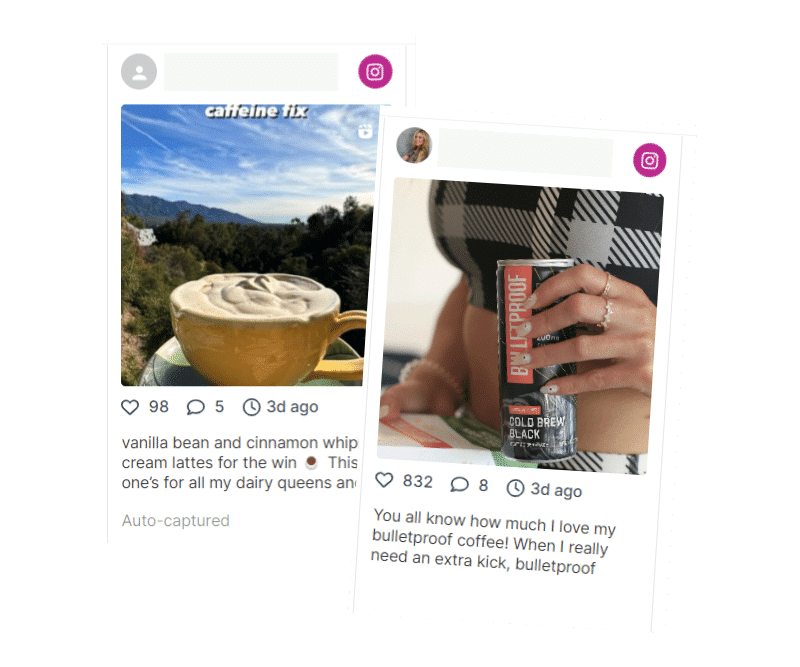
Content from customers who never applied
With Full Social Listening, Instagram and TikTok posts from public accounts that mention you are captured too — including customers with no relationship to your program.
Filter the feed by No Program to find them, and nominate the ones worth a longer relationship.
Be explicit
Write the usage rights into the brief
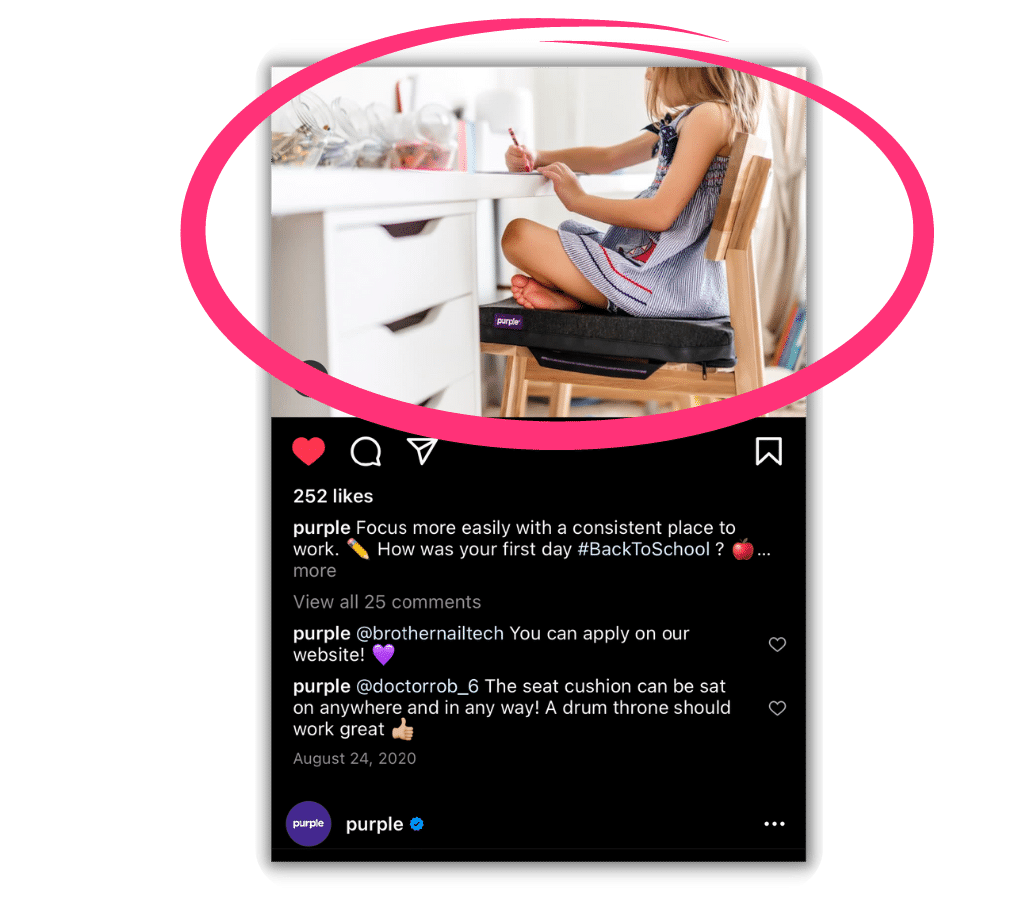
Roster gives you the structure to state clearly what you may do with submitted content — organic reposting, paid amplification, website use, duration — and to require agreement as a condition of the reward. Platforms do not grant you rights. Your brief does.
Content collected with rights attached is ready to amplify: get the creator’s permission in Roster, then hand off to Meta to run it as an Instagram partnership ad. Instagram partnership ads →
Campaign types that produce content
All five are templates in the campaign builder.
UGC
The core content brief, with guidelines and examples.
Product seeding
Send product in exchange for authentic posts and reviews.
Brand awareness
Reach-led, sharing links, codes, and branded content.
Seasonal
Aligned to a holiday, launch, or trend moment.
Public hashtag campaigns extend tracking to anyone, and require the full listening add-on.
Related features
Questions brands ask
Do we own the content ambassadors create?
Not automatically. Set the usage terms explicitly in the campaign brief and make agreement a condition of the reward.
Can we review before content counts?
Yes. Requirements can require manual approval, and you can whitelist reliable ambassadors by tag so their work auto-approves.
Which platforms can we collect from?
Instagram posts, reels, and stories, TikTok videos, Facebook posts, and X, with different capture conditions per platform. Direct upload works for anything.
Can we reward with product instead of cash?
Yes. Automated product rewards on Shopify, manual product rewards elsewhere, or custom rewards for anything unusual.
Can we collect content from non-ambassadors?
Yes, with the Full Social Listening add-on, from public Instagram and TikTok accounts that mention your brand.